UMDCTF 2026: Road 1 & Road 2
No, I don't only do OSINT challenges... It is really just a coincidence that my first two write-ups are both OSINT...
These two challenges are basically Geoguessr. I am not really good at Geoguessr, but I feel like the methods I tried are still worth a write-up.
1. Road 1
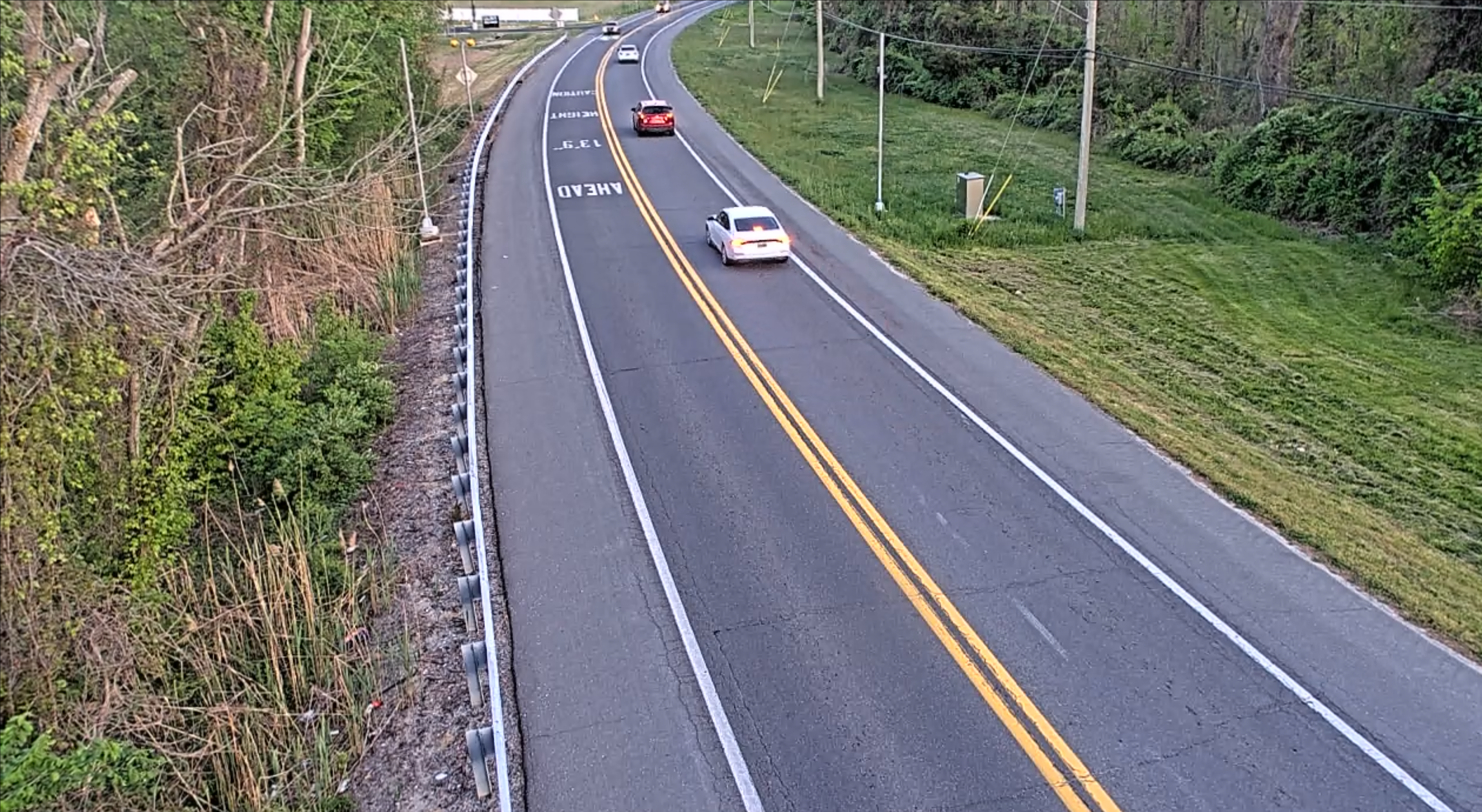
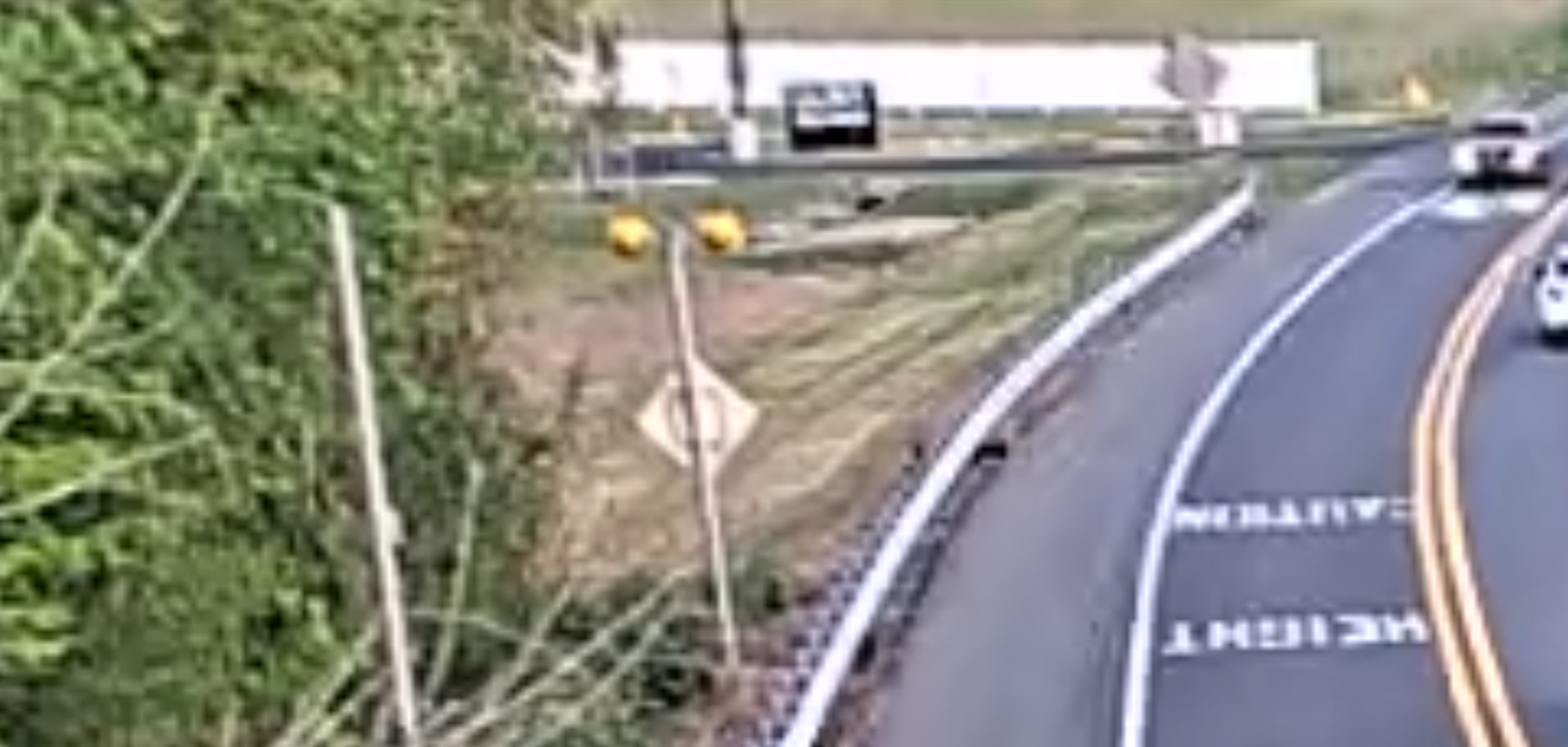
The challenge is simple: we have to find the name of the road shown in the image. It is given that the image is in fact a screenshot of live traffic camera footage.
Starting off, we can easily notice that the road structure matches the US style: double solid yellow centerline, right-hand traffic. We can also easily notice that there is a 13'9" height limit caution text painted on the road.
The problem remains: where in the US is this?
I started looking for datasets about height limits in the US, as well as live traffic camera locations. Although some states publish datasets for height limits, there is no unified dataset available.
So I used Google's "Search image with Google Lens" feature for the most plausible states, and tried to do it state by state.
Maryland
It wasn't hard to find the MDOT SHA - Height, Weight & Under Clearance Bridge Restrictions dataset, and then I also found the MD Traffic Cameras arcgis dataset. So I plotted both datasets onto ArcGIS, looked for spots that match the image layout and checked the satellite image for every instance of it, but I did not find anything special and decided to move on.
Pennsylvania
The next state I decided to try was Pennsylvania, which was also based on the Google Lens results.
So I did the same thing for Pennsylvania: I obtained the Low Clearance Bridges dataset with the Online Traffic Cameras that provide live video in the United States dataset, and tried to look for possible spots. However, I still did not find anything special.
Delaware
So I moved on to Delaware. Now this state was a little bit special - I found this webpage from DelDOT, which has all the bridge restrictions pinned onto an interactive map. Delaware is small, so I decided to just look for 13'9" height clearances and found three spots with similar restrictions. I checked the street view of all three spots. Initially, none of them looked similar to the provided image. But then, I found this spot:
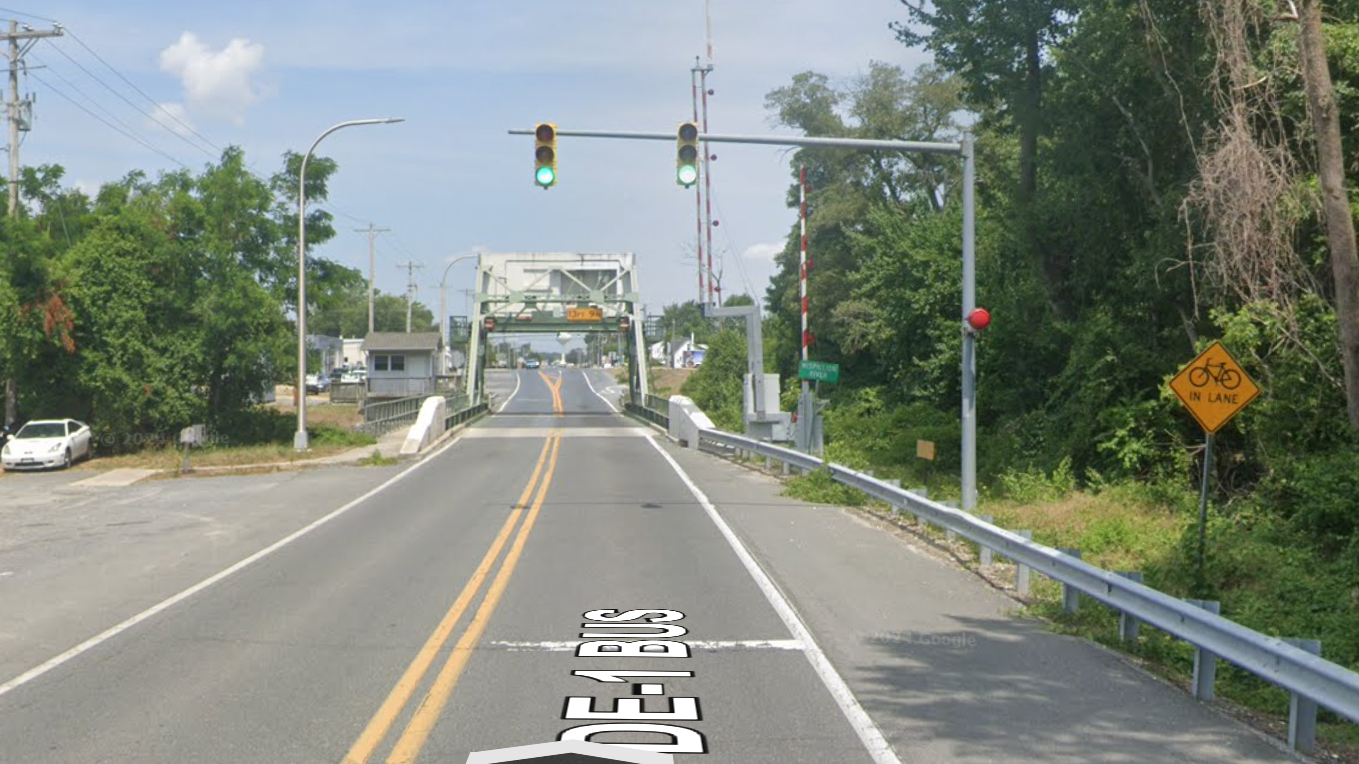
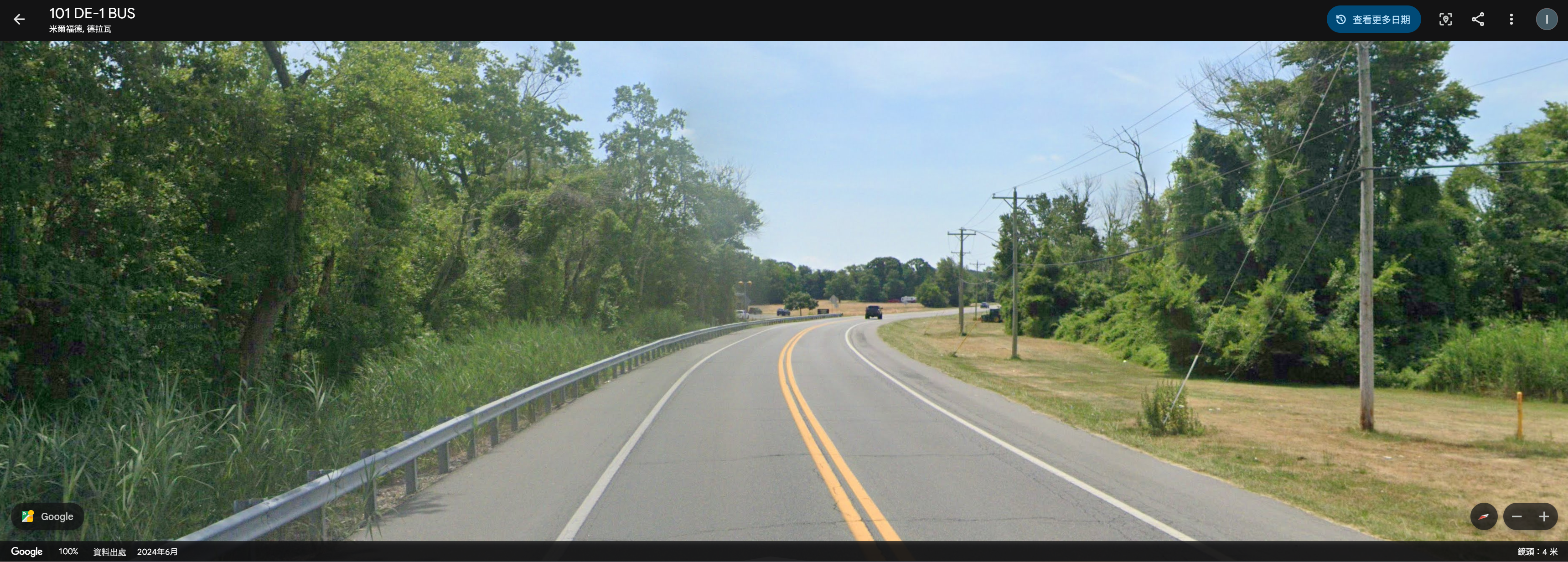
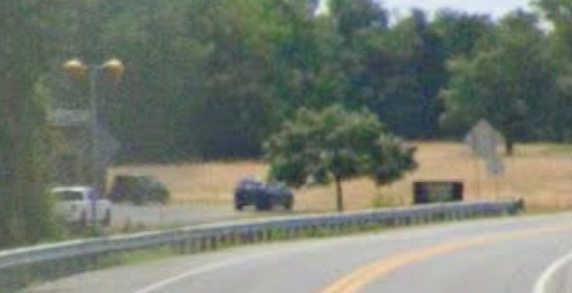
Does the second screenshot look familiar? In fact, we had found the location. I almost skipped this spot completely, because there was actually no "Caution height 13'9" ahead" warning painted on the road. Luckily I spotted the layout in the street view, which matched the provided image. (Notice the sign with yellow warning lights on the left and the black sign on the right.)
 (This took roughly 3 hours)
2. Road 2
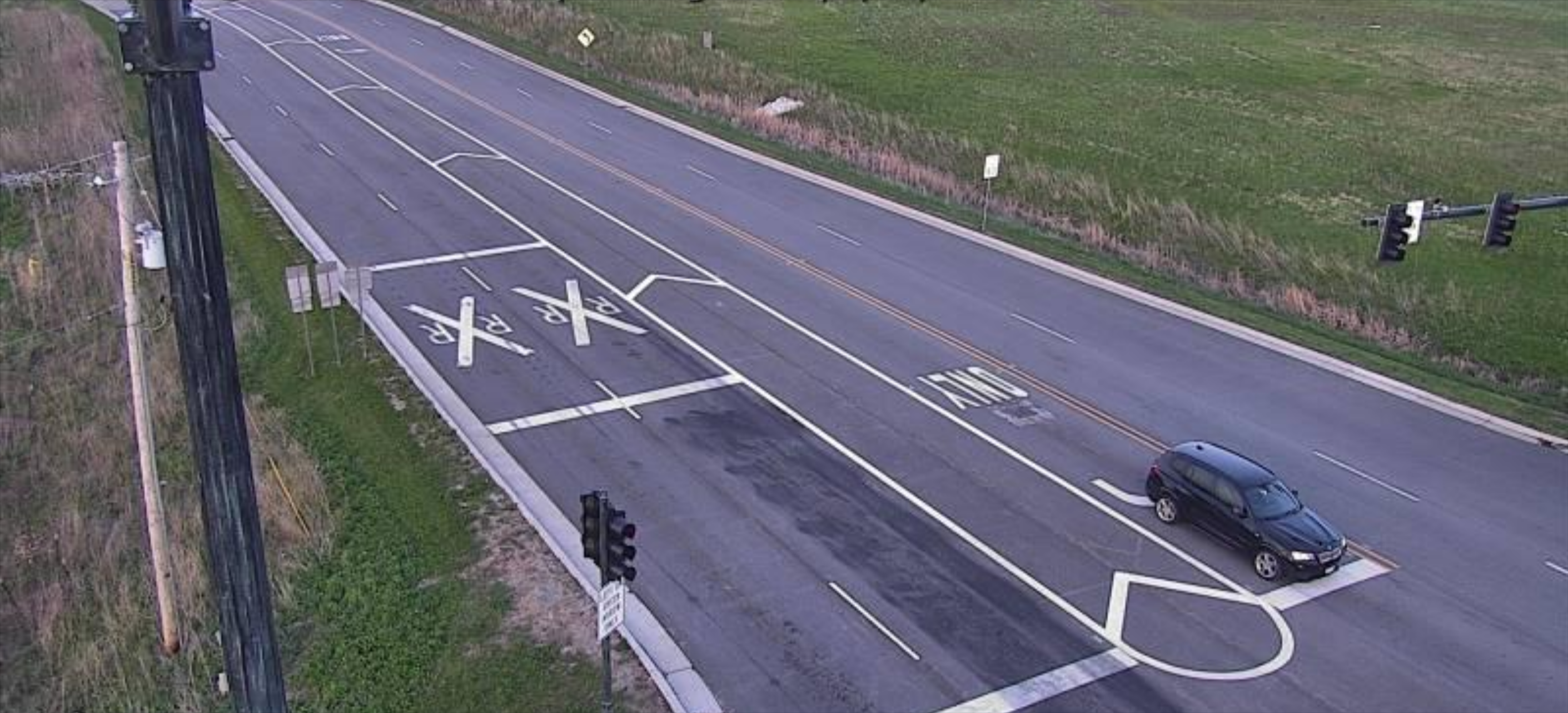
Now this was the big boss. In fact, we did not solve it during the competition, but I think the way we tried to solve it is still worth sharing.
From the image, you can notice the RXR markings - which means "Railway crossing ahead". We can also confirm that this is again taken in the US based on the visual hints.
I tried to do this challenge in a similar way to Road 1 - looking for railway crossing datasets and comparing them with traffic camera locations. However, despite checking hundreds, if not thousands, of traffic camera feeds and street view images, we still could not find anything similar.
And then, hours into this challenge, another firebird member, Simon, proposed a very creative way to solve it: building Overpass API queries based on the road structure and checking the filtered intersections manually.
We tried a lot of possible layouts for this intersection. For example:
[out:json][timeout:180];

// 1. Define the United States as the search area
area["ISO3166-1"="US"][admin_level=2]->.searchArea;

// 2. Find the highly specific roads first (this is much faster than finding all US train crossings)
way(area.searchArea)
  ["highway"]
  ["lanes"="5"]
  ["lanes:forward"="3"]
  ["lanes:backward"="2"]
  ["turn:lanes:forward"="left|through|through"]->.potential_roads;

// 3. Find railway level crossings that are within 50 meters of these specific roads
node(around.potential_roads:50)["railway"="level_crossing"]->.nearby_crossings;

// 4. Filter our initial roads to ONLY keep the ones near the crossings we just found
way.potential_roads(around.nearby_crossings:50);

// 5. Output the center point of the resulting roads, as requested
out center;
Some other queries we tried include:
- Turn lane layouts of
left|none|none/left|through|through/left|through|right/left|through|through;rightand more - adjusting the distance threshold
- using the speed limit sign (40 mph suspected) shown in the image as a filter
- Many more
Remember, we also had to check the satellite image for every intersection that looked plausible.
In fact, we found some pretty similar intersections:
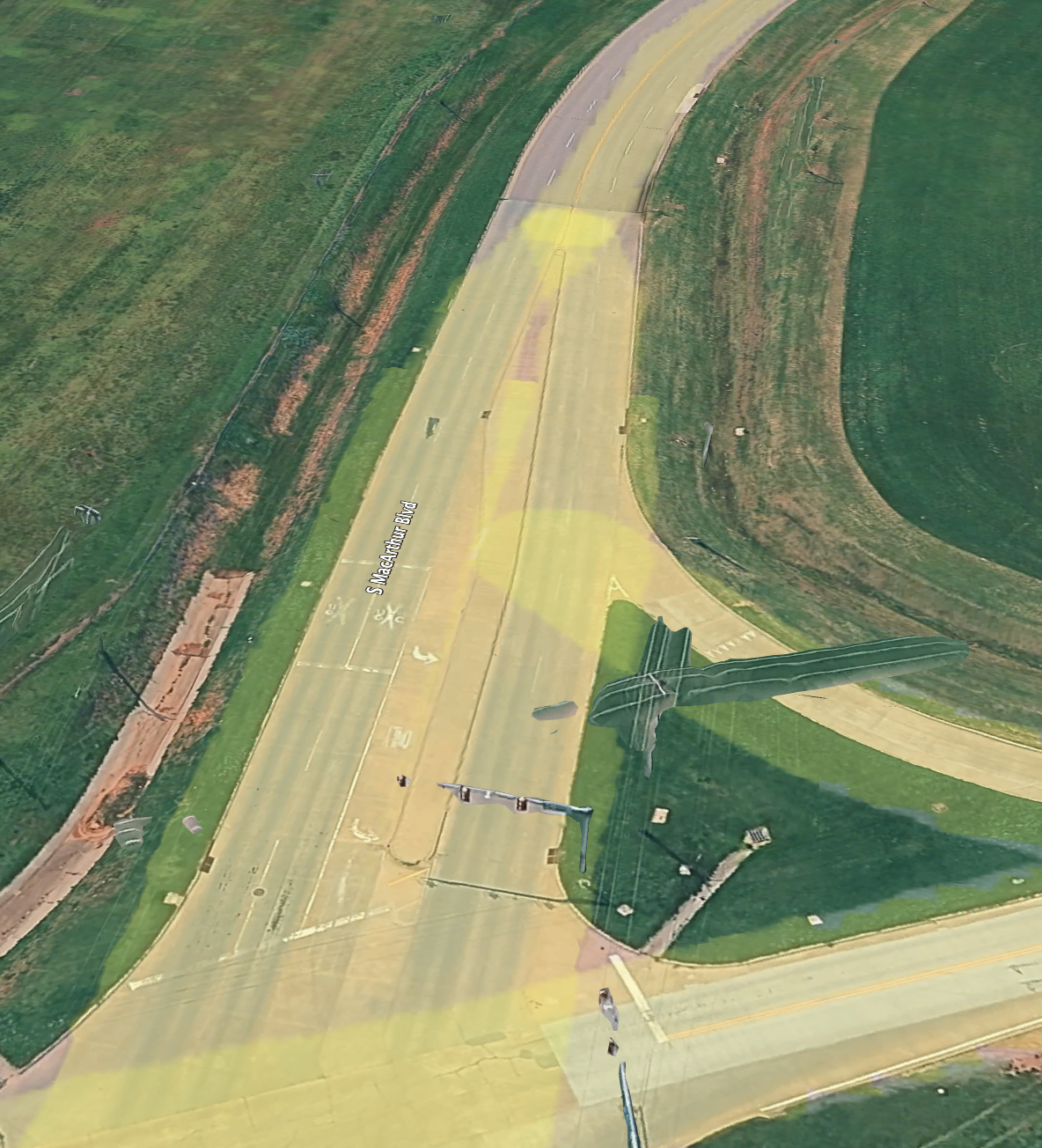
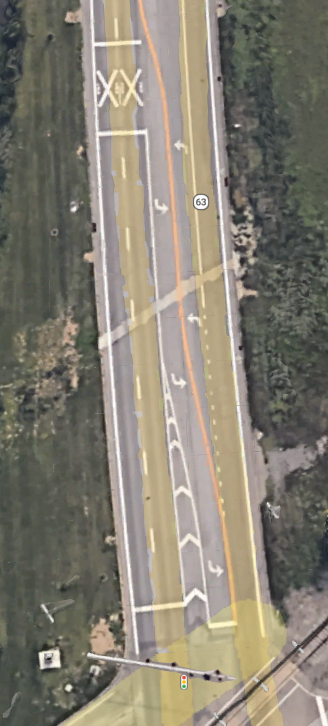
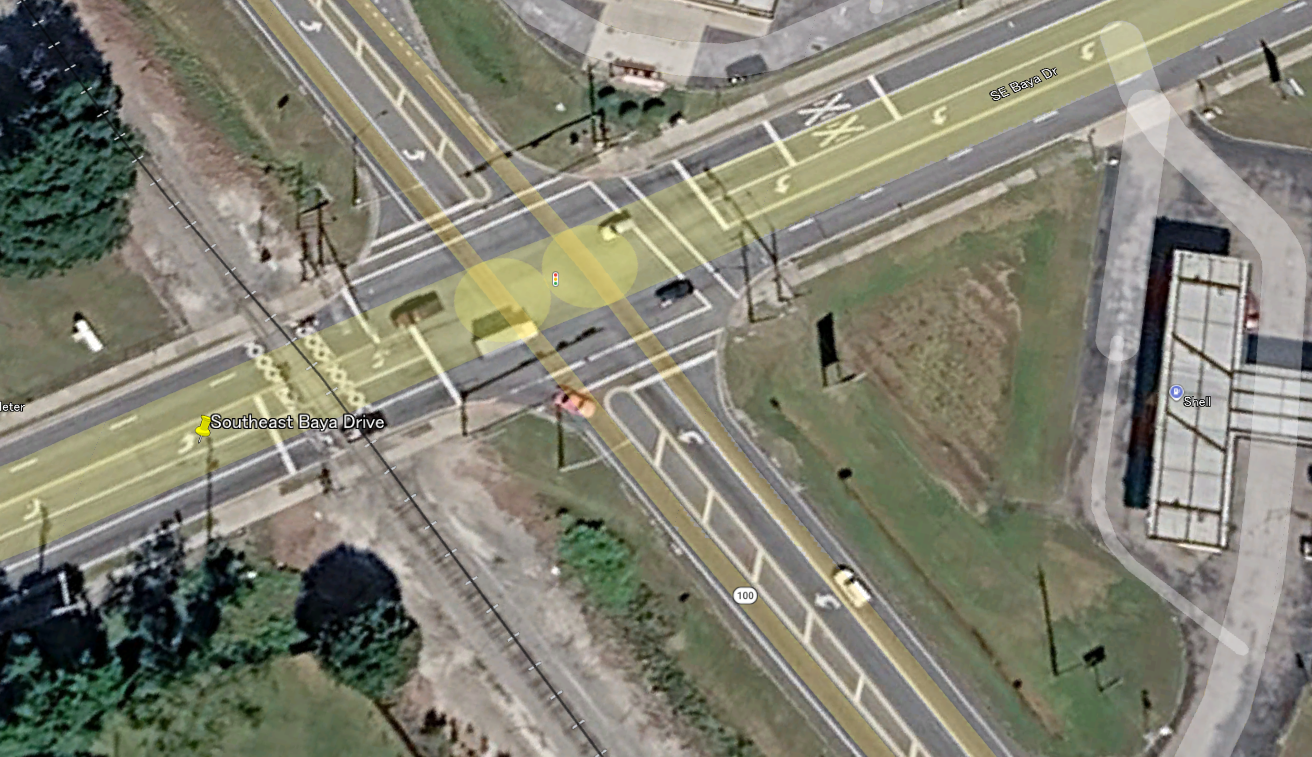
But sadly, none of them matched. And the competition ended there.
Aftermath
After the competition ended, we wondered why our approach did not work. After some more investigation, we found that... we had ONE critical mistake in our mental model.
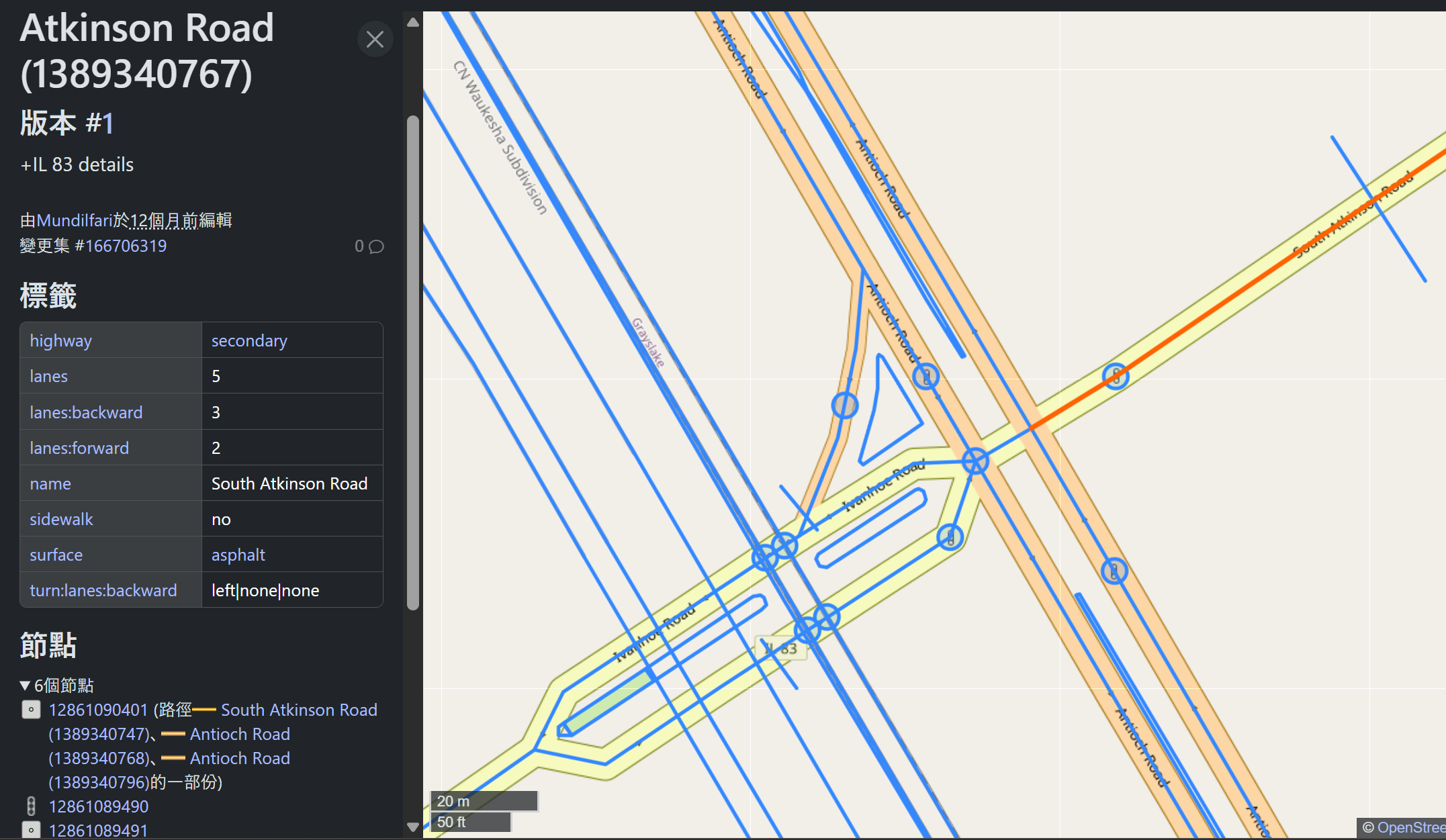
Did you notice anything special?
The road... has the metadata lanes:backward=3;lanes:forward=2 on OpenStreetMap!
We had been looking for a road with 3 forward lanes and 2 backward lanes, but never thought it could have been the other way around. So close! (Also, we noticed that many roads are actually separated into two one-way road segments - we did not think of that either.)
The query that would have located our intersection:
[out:json][timeout:180];

// 1. Define the United States as the search area
area["ISO3166-1"="US"][admin_level=2]->.searchArea;

// 2. Find the highly specific roads first (this is much faster than finding all US train crossings)
way(area.searchArea)
  ["highway"]
  ["lanes"="5"]
  ["lanes:forward"="2"]
  ["lanes:backward"="3"]
  ["turn:lanes:backward"="left|none|none"]->.potential_roads;

// 3. Find railway level crossings that are within 50 meters of these specific roads
node(around.potential_roads:50)["railway"="level_crossing"]->.nearby_crossings;

// 4. Filter our initial roads to ONLY keep the ones near the crossings we just found
way.potential_roads(around.nearby_crossings:50);

// 5. Output the center point of the resulting roads, as requested
out center;
Nevertheless, it is always good to learn new things. Better luck next time!